Helix IPTV Review: A Global Streaming Option Worth Considering
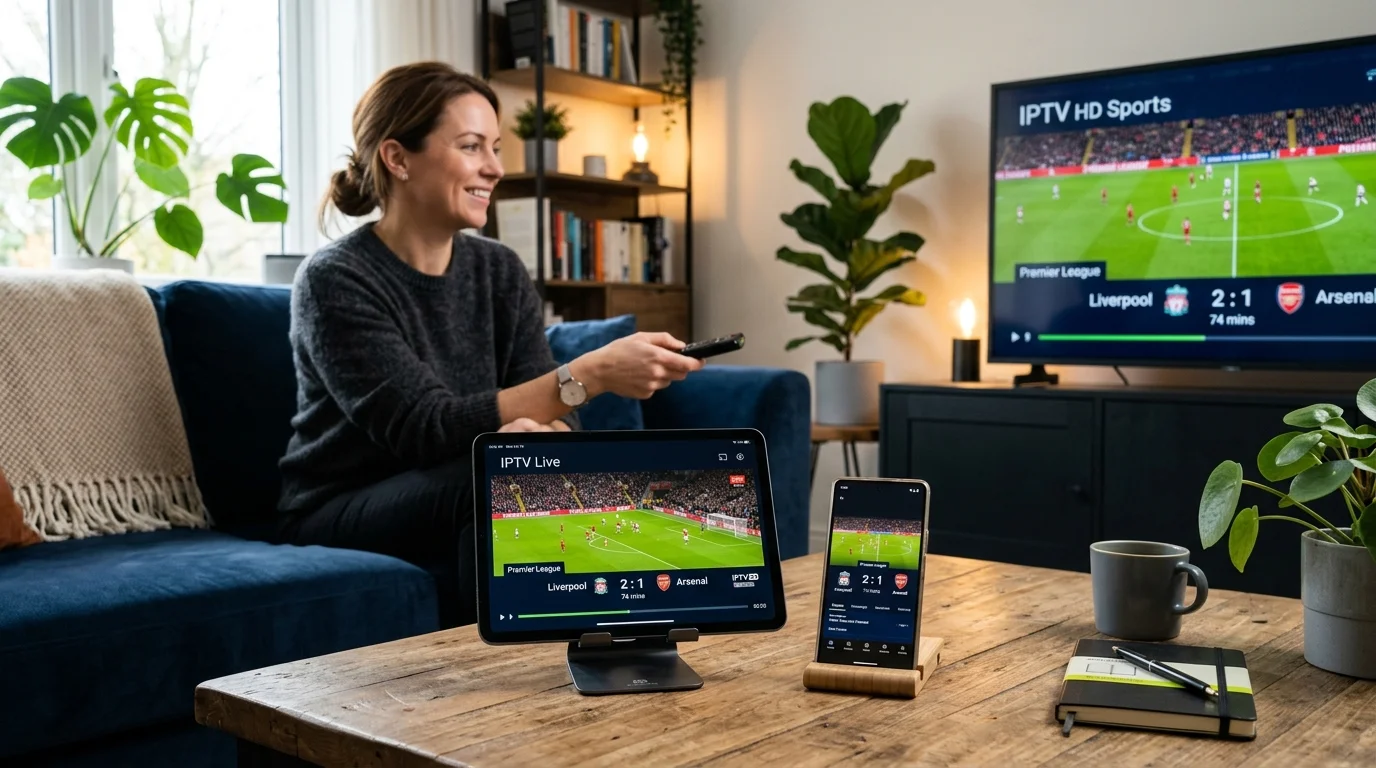
Helix IPTV is a subscription-based IPTV service targeting cord-cutters who want broad international content without the constraints of traditional satellite or cable packages. The service positions itself as a global solution, catering to viewers across multiple regions who want access to live TV, sports, movies, and news channels through a single subscription. For anyone who has grown frustrated with geo-restricted streaming apps or sky-high cable bills, it presents itself as a practical alternative worth examining closely.
We've spent time evaluating Helix IPTV's offering across several key areas: channel variety, streaming quality, device support, and overall value for money. The service does a reasonable job covering the basics, and it will appeal to users who prioritize breadth of content over a polished, app-store-style experience. There are genuine strengths here, but there are also a few areas where the service falls short of what more established competitors offer. Here's what you need to know before subscribing.
Pros of Helix IPTV
- Wide international channel coverage: Helix IPTV targets a global audience, which means you'll find channels spanning North America, Europe, the Middle East, Asia, and Latin America. This is genuinely useful for expats or multilingual households.
- Sports content is a clear priority: Live sports coverage is one of the main selling points. You can expect access to popular sports broadcasting networks covering football, basketball, combat sports, and motorsport, depending on your region.
- Multiple device compatibility: The service supports a range of devices including Android smartphones and tablets, Amazon Fire TV Stick, Smart TVs, and computers via standard M3U or app-based access. You're not locked into a single ecosystem.
- VOD library included: Beyond live channels, Helix IPTV includes a video-on-demand library with movies and TV series, giving subscribers something to fall back on when live schedules don't align with their viewing preferences.
- HD and Full HD streams available: Stream quality is a reasonable concern with any IPTV provider, and Helix IPTV does offer high-definition streams for a significant portion of its channel lineup. Performance will depend on your internet connection, but the infrastructure appears capable of delivering clear, stable pictures for most users.
Cons of Helix IPTV
- Customer support response times can be slow: This is the most consistent criticism that surfaces when reviewing Helix IPTV. Support is typically offered through ticket systems or messaging platforms rather than live chat or phone. If you run into a technical issue during a live event, waiting hours for a response is genuinely frustrating.
- No free trial option: Many competing IPTV services offer at least a short trial period so you can test stream quality and channel availability before committing financially. Helix IPTV does not appear to offer this, which means you're making a financial commitment based on promotional claims rather than personal experience.
- Payment options may be limited: Depending on your location, the range of accepted payment methods may feel restrictive compared to services that accept a wider variety of cards, digital wallets, or cryptocurrency options.
- Channel consistency varies: Live IPTV streams are inherently less reliable than on-demand platforms like Netflix. Some channels may buffer or go offline temporarily, particularly during high-demand events like major sports fixtures.
Channel Selection
Helix IPTV covers a broad spectrum of content categories. On the live TV side, you'll find sports networks, international news channels including English and non-English language services, general entertainment, and local channels from various countries. Sports coverage includes major leagues and events across multiple disciplines, making it attractive for fans who don't want to subscribe to several different sports streaming apps. Movie channels and dedicated TV series networks round out the entertainment offering. News coverage is particularly strong for international viewers, with channels from the US, UK, and various European and Middle Eastern broadcasters represented. Local channel availability will vary significantly based on your region, so it's worth confirming the specific lineup for your country before subscribing.
Pricing
Helix IPTV offers tiered subscription plans, typically structured around one-month, three-month, six-month, and twelve-month commitments. Longer subscriptions naturally bring the per-month cost down considerably. For exact current pricing, you should visit the official website directly, as rates can change and promotional offers appear periodically. Generally speaking, IPTV services at this level are significantly cheaper than traditional cable or satellite packages, and Helix IPTV appears to price itself competitively within the IPTV market. The lack of a trial period does make the pricing conversation slightly less straightforward, since you can't test before you pay.
Our Verdict
Helix IPTV is a serviceable global IPTV option with genuine appeal for viewers who want wide international coverage, decent sports content, and multi-device flexibility. It's not perfect: the absence of a free trial is a real barrier, and support responsiveness needs improvement for a service where live events are a key draw. If you're comfortable with the IPTV format and understand its inherent quirks, Helix IPTV delivers reasonable value, particularly for long-term subscribers. Those completely new to IPTV services may find the onboarding experience a little rough around the edges.
We recommend Helix IPTV to experienced IPTV users who prioritize international channel variety and live sports, but suggest approaching with modest expectations around customer support and uptime consistency.
Frequently Asked Questions
Does Helix IPTV work on a Smart TV?
Yes, Helix IPTV is compatible with Smart TVs that support IPTV apps or allow sideloading of applications. It also works via Amazon Fire TV Stick, which is a popular and affordable option for getting IPTV onto your television screen without needing a newer Smart TV model.
Is there a free trial available for Helix IPTV?
Based on current information, Helix IPTV does not appear to offer a standard free trial. This is one of the service's weaker points compared to competitors. It's advisable to start with the shortest available subscription period to minimize risk if you're trying the service for the first time.
What internet speed do I need for Helix IPTV?
For standard HD streaming, a stable connection of at least 10 Mbps is generally recommended. If you plan to watch Full HD or 4K content where available, aim for 25 Mbps or higher. A wired ethernet connection will always outperform Wi-Fi for live IPTV, particularly during busy sports broadcasts where buffering is most likely to occur.
How do I set up Helix IPTV on a Fire Stick or Android box?
After purchasing a subscription, you'll receive credentials in either M3U URL format or Xtream Codes format. On a Fire Stick, install IPTV Smarters Pro or Downloader and sideload TiviMate if you prefer that player. Enter your Helix IPTV credentials into the app during the initial setup prompt. On Android TV boxes, the process is identical and the Google Play Store gives you direct access to compatible apps. The channel list and EPG typically load within a few minutes of your first login. Running an ethernet cable to your streaming device rather than relying on Wi-Fi will give you a noticeably more stable experience from the start.
What can I expect during the first day of using Helix IPTV?
Once credentials activate, the immediate priority is testing a cross-section of channels rather than just the ones you plan to watch regularly. Check a live sports channel, a news feed, and a VOD title to get a complete picture of service performance. The EPG may take an hour or two to fully populate. During your first day, note any channels that buffer or fail to load, as this gives useful information if you need to contact support. Most users who have a stable connection of 15 Mbps or more will find the service performs well out of the gate.
How do I fix buffering issues on Helix IPTV?
Buffering on Helix IPTV follows the same diagnostic path as any live IPTV service. Start by testing your internet speed: HD streams generally need 10 Mbps, Full HD needs 15 to 20 Mbps. Switch from Wi-Fi to ethernet if you can. In your IPTV player, try switching to a lower stream quality variant or reconnecting to the channel. If specific channels consistently buffer while others are fine, the issue is with those particular stream sources. Helix IPTV support can investigate on the server side if you provide the channel names and times when the buffering occurred. During major live sports events, some congestion is expected across most IPTV providers as server load spikes.
Is Helix IPTV cheaper than cable TV in practical terms?
In most markets, yes, quite significantly. A mid-tier cable package in the US or UK typically runs $70 to $120 per month before rental fees and taxes. Helix IPTV's annual subscription works out to a much lower monthly figure. The content trade-off is that cable includes local broadcast channels reliably, and the signal doesn't depend on your broadband speed. IPTV makes more sense for households with solid broadband who want international content breadth that cable bundles don't typically offer. The math becomes even clearer if you're also paying separately for a sports streaming package.
What happens when Helix IPTV has downtime?
Service interruptions do happen with live IPTV platforms. When Helix IPTV experiences server-side issues, affected streams will either fail to load or buffer continuously without resolving. The first step is to check whether your home internet is functioning normally by loading a different site or app. If your connection is fine, the issue is on the provider's side. Helix IPTV support is the right contact for these situations. Downtime during a major event is genuinely frustrating, and having your IPTV credentials loaded in two different player apps on two different devices is a simple safeguard that often gets you back up faster while waiting for a fix.